
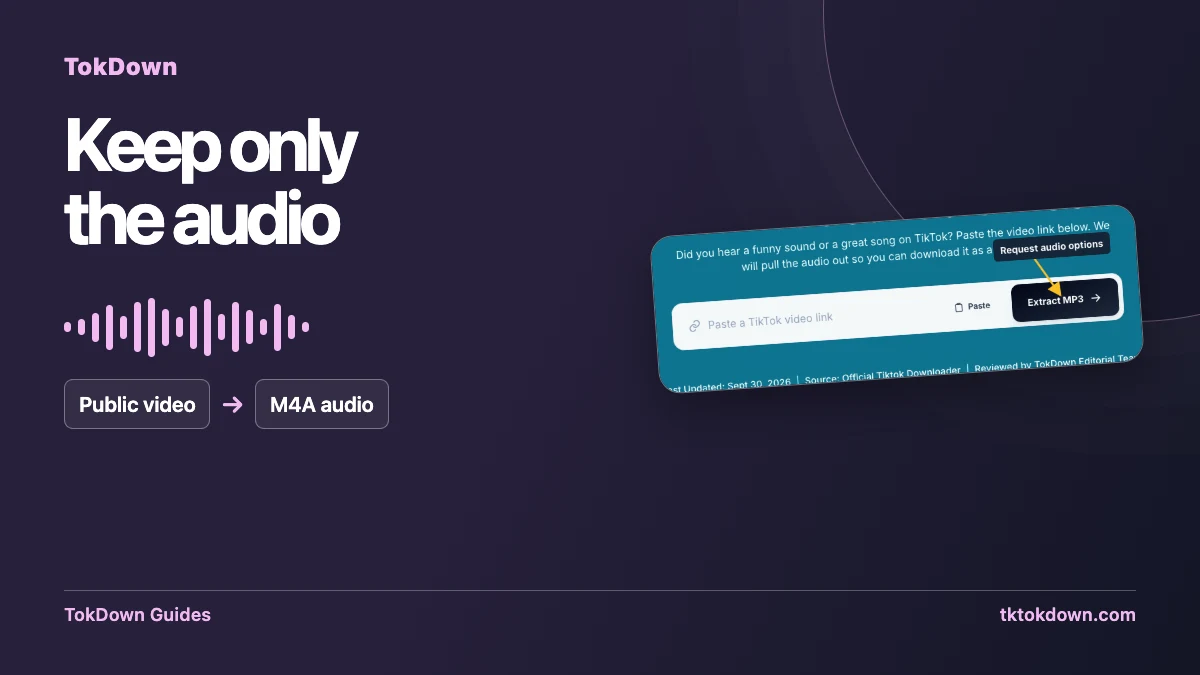
Many sites claim to turn TikTok videos into MP3. In practice, TikTok stores its audio as AAC inside the video. We hand you that audio as an M4A file instead of converting it a second time, and here is why that is usually the better choice.
What is M4A?
M4A is an audio file that holds AAC audio, the same family of codec TikTok itself uses. Because it is the original audio rather than a re-encode, nothing is lost by converting from one lossy format to another.
Is M4A the same as MP3?
No, but the practical difference is small. M4A usually sounds the same or better than an MP3 of the same size. It plays natively on iPhone, Mac, Windows, Android and in browsers. A few old car stereos and very old MP3 players may not read it.
How to save the audio
Paste a public TikTok link into TokDown, press Download and choose the audio option. The browser saves an .m4a file. You can find the button on the MP3 converter page too, which is where people usually look for it.
If you really need an MP3
Convert the M4A on your own computer with a free player or editor such as VLC or Audacity. The file you start with is better than a file that has already been converted once.
A note on music rights
A sound on TikTok can be licensed music or another creator's original sound. Saving it for private listening is one thing, using it in a public video or a commercial project is another. Check the rights first.
Start with a video that actually contains the sound
Copy the link to the public video where you hear the soundtrack you want. A TikTok sound page may show multiple uses of a recording. The TokDown form expects the address of an individual supported video. Play the clip briefly before copying so you can confirm which version it uses. A creator might add a voice-over, trim the music, or combine several sources, and the resulting audio can differ from the track name shown in the app.
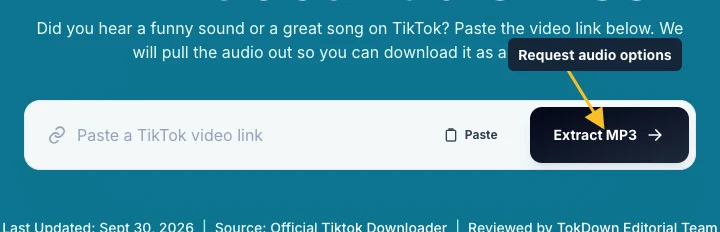
Open the TokDown audio tool and paste the post link. Its URL uses the familiar phrase MP3 converter, but check the actual format listed in the result. The audio option can be M4A. If no audio choice comes back, a different extension or repeated click cannot create a missing source option. For your own clip, you may already have an original audio file or a project export that is better suited to editing.
Understand what an M4A contains
M4A is an audio file extension, commonly used with AAC. The file has no picture track. A music player, audio editor, or video editor that supports the format can usually open it directly. An MP4 video option contains the image as well as any sound included in that source file. Pick the extension based on what you plan to do next. To check a finished download, look at its file information instead of relying on the wording of a page title.
Changing a filename from .m4a to .mp3 only changes the label. The data inside the file keeps its original encoding, and software that checks the format may reject it. If your workflow specifically requires MP3, use a converter you trust and keep the original next to the converted copy. Each conversion can affect quality. For an editor that accepts AAC, try importing the original audio first and avoid an extra conversion step.

Verify the sound before you use it
Save one copy and open it from the browser’s Downloads list. Listen through the first few seconds and skip toward the end. Check for speech under the music, a section that cuts off early, or a fade that was part of the original post. Compare the length with the source video. If you need only part of a recording you made, trim a copy in your editor and keep the untrimmed file until your project is complete.
If the file is silent, confirm that the public clip actually plays with sound. Check the device volume and the player’s own mute setting, then test a different part of the clip. Sometimes sound arrives after the intro. When the browser labels a transfer incomplete, wait or request a fresh file before importing it. If the item you saved opens as a video, return to the result and check which format button you selected.
Pick a practical workflow for your project
For a voice note or narration you own, name the saved file after the clip and record the link so you can identify the source later. Import the file into an editor as a separate audio item. Set its in-point against the visual timeline and listen after exporting. For transcription, check that the tool you use supports M4A before converting anything. For personal reference, your device’s regular media player may already have everything you need.
The soundtrack in a public post can include material owned by several people. If you want to publish it in a new video, identify which parts you created and what permission covers the rest. A file saved from a video is a copy of the posted track as available, including any music or effects mixed into it. If you only have permission to use a narration, request the original isolated recording from its creator before publishing.
Quick answers
Why not give me an MP3 directly?
Because TikTok does not store audio as MP3, and converting twice only reduces quality. We keep the original audio.
Which players support M4A?
iPhone, Mac, Windows, Android, VLC and all current browsers.