TikTok Video Downloader – TokDown
Download public TikTok videos online for free with our fast, browser-based TikTok Video Downloader.
- No account
- No watermark
- Unlimited use
- Any device
HD MP4
Clear picture
MP3 audio
Just the sound
No watermark
Clean video
Every device
Works on phones
How to Download TikTok Videos

Copy the Link
Find the video you want to save on TikTok. Tap the "Share" button, then choose "Copy Link".
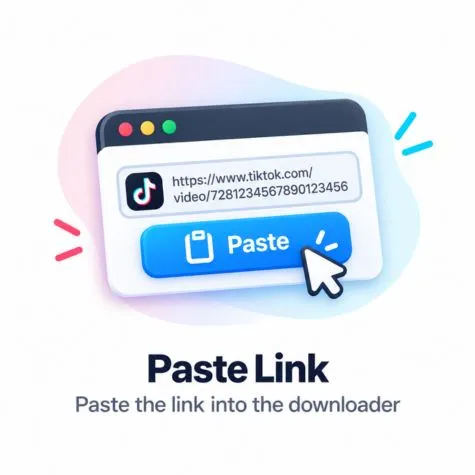
Paste the Link
Come back here and paste the link into our search box at the top of the page. Hit Download!

Save to Device
Choose MP4 video without watermark or MP3 audio, and save it directly to your device.
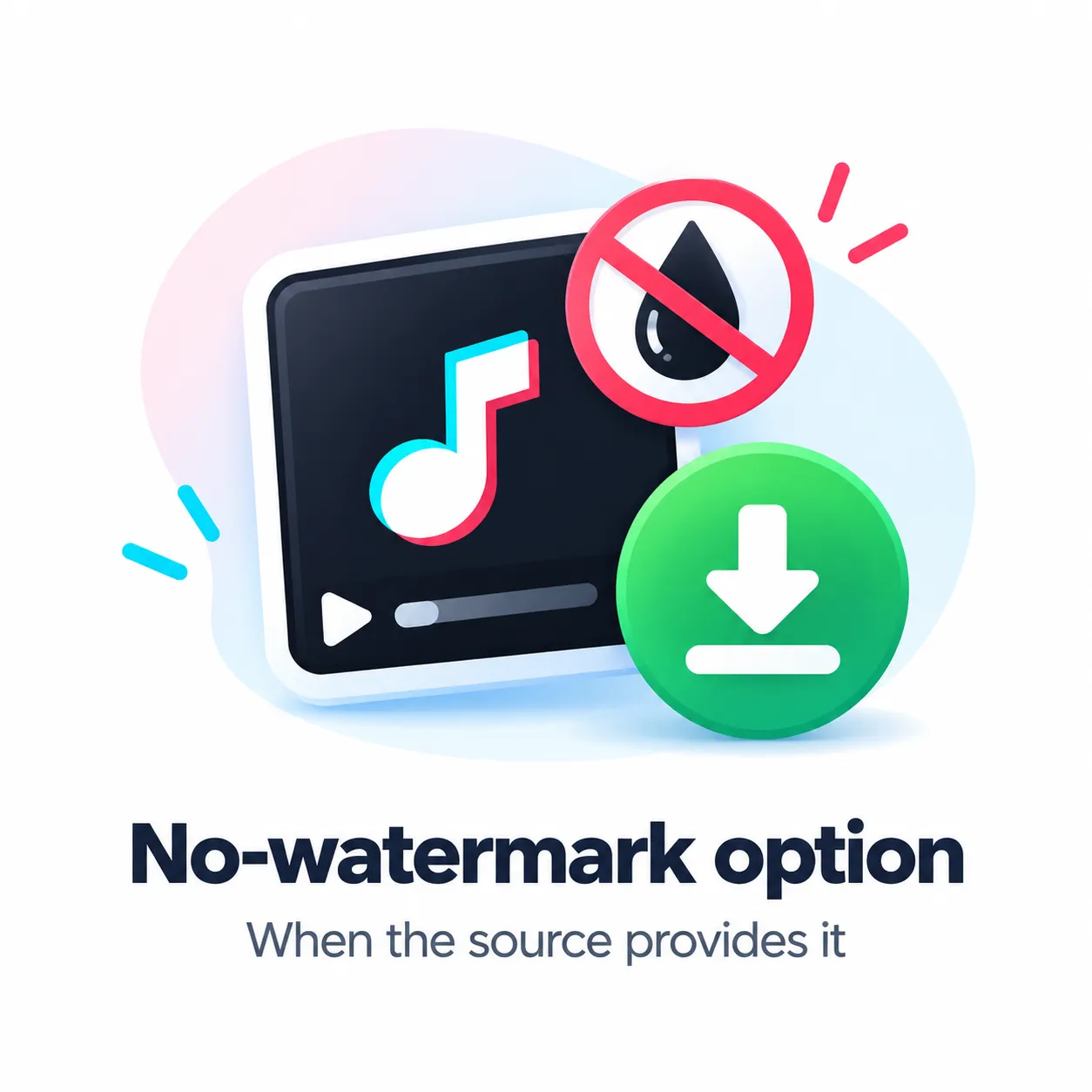
Save TikTok videos without the watermark.
Download the original video without the TikTok watermark. If you're on your phone, you can save it directly to your camera roll or gallery.
- Great for sharing or editing
- Clean video with no blurry spots
- 100% free to use
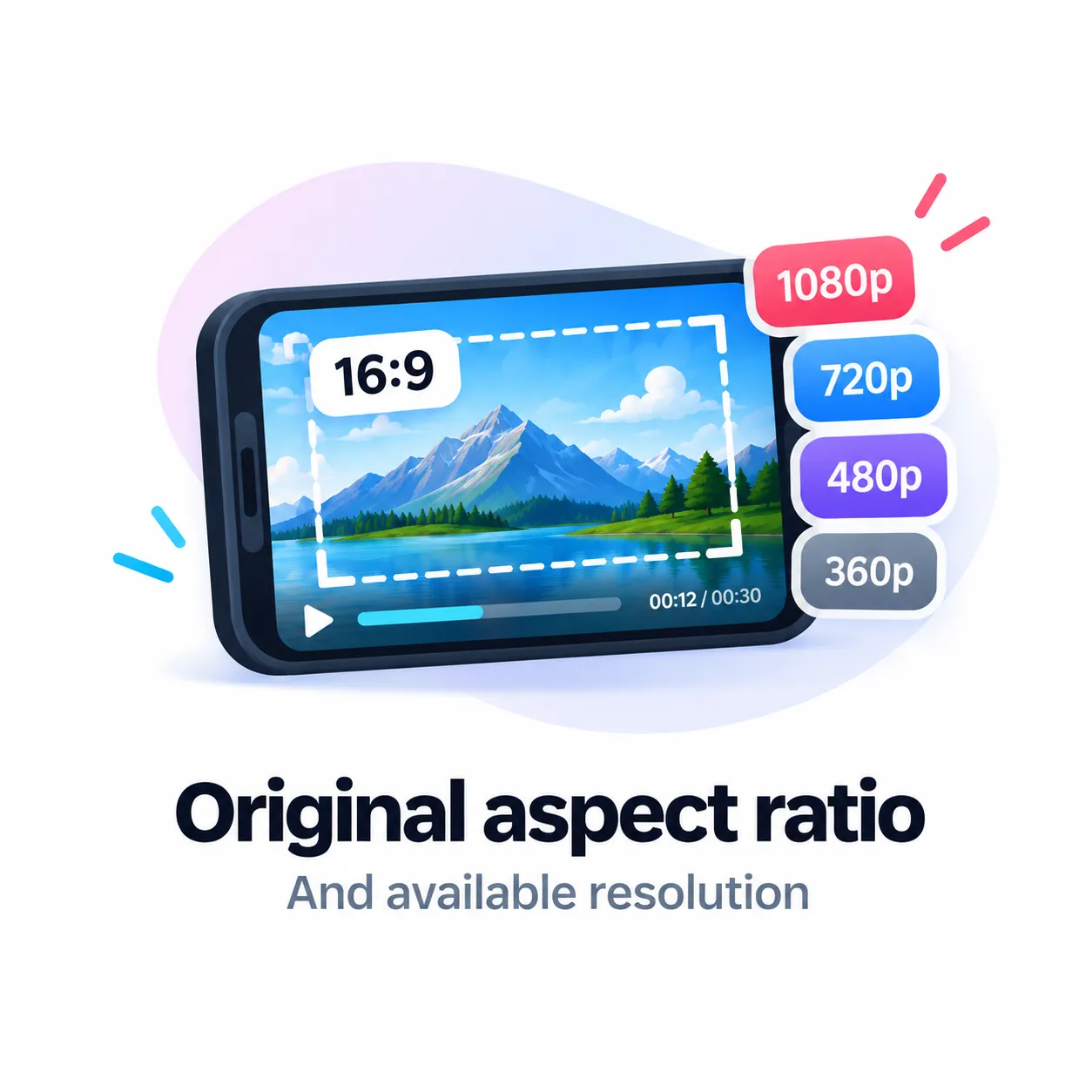
Get videos in full HD quality.
We don't reduce the quality of your download. You get the original high-quality video that was uploaded to TikTok.
- Full HD (1080p) support
- Real size and shape kept
- Looks sharp on any screen
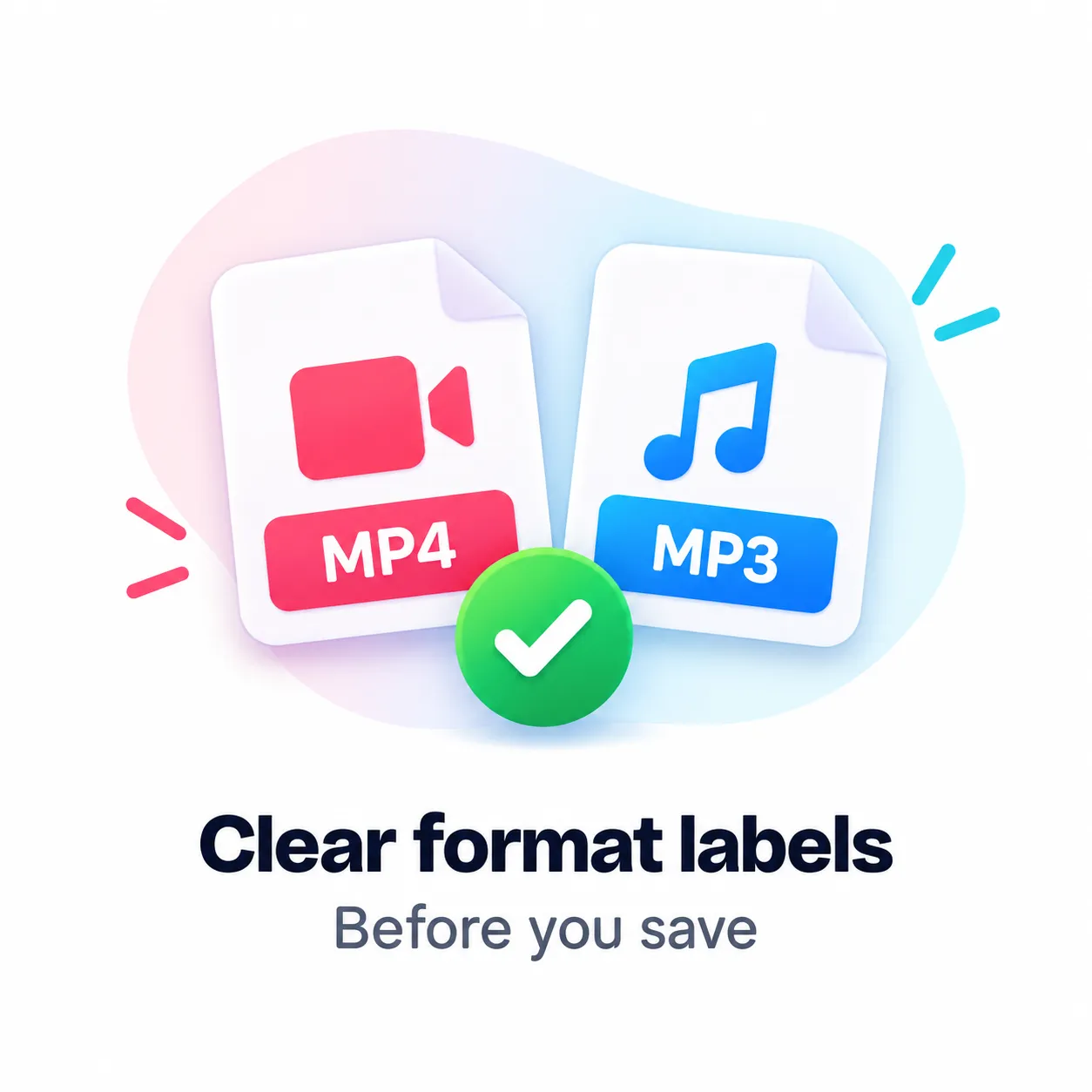
Download as an MP4 video or MP3 audio.
Want just the music? You can extract the audio track as an MP3, or download the full MP4 video.
- Save trending sounds as MP3
- Normal MP4 video format
- Fast download, no waiting
Why you'll love TokDown
The easiest way to save your favorite TikTok videos.

Works on Every Phone
Download easily from your phone, tablet, or desktop computer without limits.
No Account Needed
We never ask for your password. Just paste a public link and grab your file instantly.
Save MP4 and MP3
Extract the audio track as an MP3 or save the full high-quality MP4 video.
Easy iPhone Saves
Save videos directly to your Camera Roll using Safari on your iPhone or iPad.
Android Ready
Enjoy fast downloads that drop straight into your device's gallery app.

Great for PC and Mac
Download and edit videos instantly on your desktop computer or laptop.
Supported Video Qualities
We support the original video quality, including HD and 4K options:
Different ways to download exactly what you need.
Explore More TikTok Tools
TikTok MP3 Downloader
Extract and download just the audio or song from any TikTok video. Perfect for saving your favorite sounds to listen offline without needing the video file.
TikTok Story Downloader
Save temporary TikTok stories directly to your device before they expire. Keep those fleeting moments forever in high quality.
TikTok Slideshow Downloader
Download TikTok photo slideshows effortlessly. Save every single image in the presentation in its original, uncompressed resolution.
TikTok Thumbnail Downloader
Grab the cover image or thumbnail of any TikTok video instantly. Great for reference, sharing, or your own content creation.
TikTok Profile Picture Downloader
View and download TikTok profile pictures in full size and high definition. See details you couldn't see in the tiny circular app icon.
TikTok Viewer
Watch TikTok videos completely anonymously without logging in, creating an account, or downloading the app.
TikTok Counter
Check the live follower count, likes, and engagement metrics for any TikTok profile in real-time to track growth.
Our TikTok Downloader Quick Features
TikTok Video Downloads in HD and MP4
We provide the highest quality TikTok video downloads available for offline viewing. Our tool acts as a bridge, extracting the original, uncompressed MP4 file directly from the social media platform's servers, ensuring you get the viral short-form video in full HD or 4K resolution when available, preserving the original visual fidelity for content creators and viewers alike.
Can You Download Without a Watermark?
Yes, absolutely! By default, our watermark removal tool seamlessly eliminates the jumping TikTok logo and creator username from the downloaded video. You get a completely clean, watermark-free MP4 file that is perfect for video editing, content repurposing, archiving, or cross-posting your viral content across other social networks and video sharing platforms.
What TikTok Links Can You Download?
You can download almost any public TikTok link using our service. This includes standard short-form videos, dynamic photo slideshows, trending TikTok sounds, and expiring TikTok stories. Just make sure the user profile and video are set to public, as our video downloader cannot bypass privacy settings to access private, age-restricted, or deleted media content.
Where Are Videos Saved?
On a desktop computer (PC or Mac), your saved TikTok videos are usually downloaded directly to your default 'Downloads' directory. On a mobile device, such as an iPhone (iOS) or Android smartphone, the MP4 video file will typically save to your device's native Files app or browser downloads folder, from where you can easily transfer the media file directly into your Camera Roll or Photo Gallery for permanent offline storage.
What to Do If a Link Is Not Working
If you encounter a download error, first double-check that you copied the complete TikTok video URL and that the original video post is public. If there's a regional block, a copyright takedown, or the content creator deleted the post, the download process will fail. If you still have trouble grabbing your social media content, you can head over to our Contact Page and submit a broken link report.
Frequently Asked Questions
If a download isn't working, make sure the video is public and hasn't been deleted. You can find more details on our about page.
Can I download TikTok videos without a watermark?
+
Yes. Just paste the video link in the box. Choose the "no watermark" MP4 option when it shows up. The downloaded video will be clean and free of logos.
Can I download TikTok videos in HD?
+
Yes. We provide the highest quality available, extracting original 1080p or 4K files whenever the creator uploaded them in high definition.
Can I save a TikTok video as MP3?
+
Yes. If the video has a soundtrack, TokDown lets you save it directly as an MP3 audio file.
Do I need a TikTok account?
+
No. TokDown is completely free to use. You do not need to sign in, create an account, or provide any personal information.
Can I download private TikTok videos?
+
No. TokDown only works with public videos. We cannot access private, deleted, or region-restricted content.
Where are downloaded TikTok videos saved?
+
Your browser saves it to your default Downloads folder. On iPhones and Androids, it may also show up in your Files or Photos/Gallery app.
Why is the no-watermark option unavailable for some videos?
+
We can only provide the clean version if the original unmarked file is still available on TikTok's servers. If it's missing, it means the clean file cannot be extracted.