
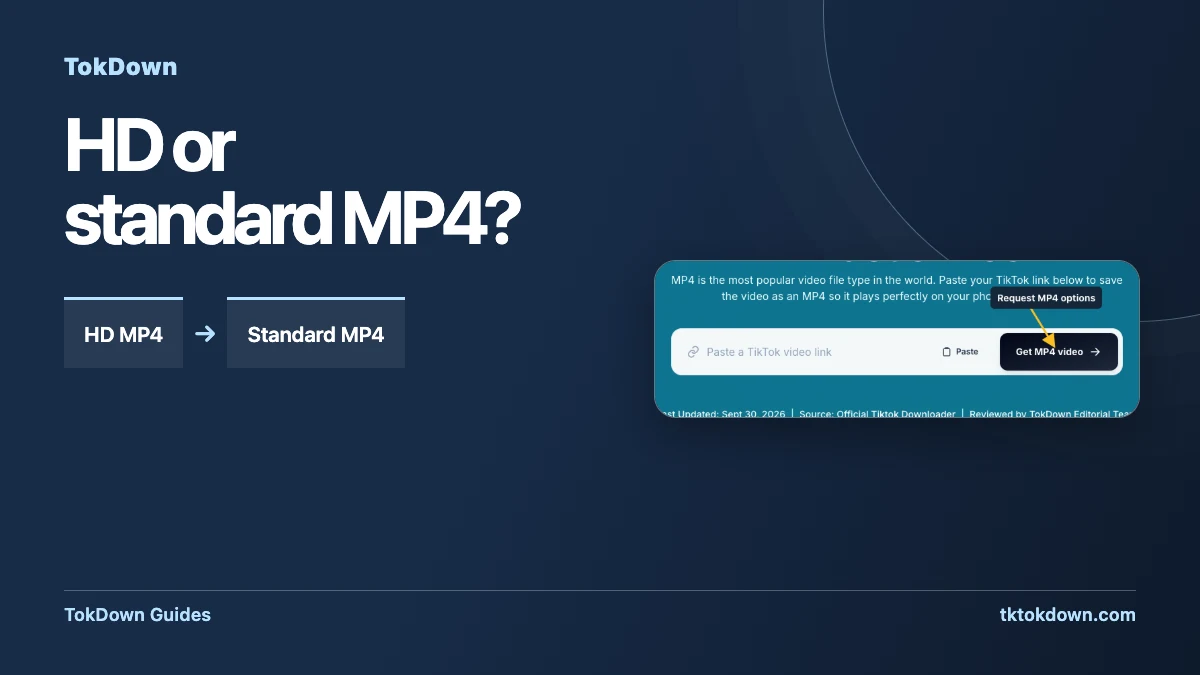
When TokDown lists more than one MP4, the best version depends on what you will do with the file. Use the video tool to find the available options, then check the copy your browser actually saved.
Start with the job the file needs to do
If you are preparing an edit from your own footage, keep the camera original or editing export when you have it. A downloaded version is useful when you need to review the posted cut, share a reference with permission, or recover a copy for offline viewing. Think about where the file will play. A clip destined for a large monitor or editing timeline deserves a closer check for compression and detail. A quick reference you will watch on a phone may be more convenient as a smaller file.
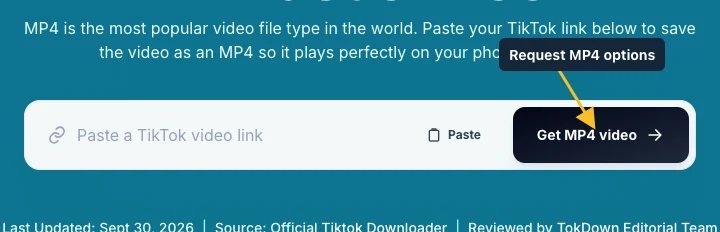
Copy the link to the individual public video and open the TokDown MP4 tool. Paste it into the field, then use the marked button to request options. The result can differ from one source to another. What matters is what the tool lists for your link. If the source only yields one MP4, inspect that version before looking for another. For a project you control, your original is the better place to check when you need a precise resolution.
Inspect the available options before downloading
When a result appears, match its preview with your intended post. Then look for the video labels. If the tool presents HD and standard versions, choose based on the next step. HD is the first candidate for material with small screen text, fine detail or fast movement. Standard is a sensible first choice for checking a cut or viewing on a limited connection. The label describes an available option from the lookup, and the finished file is the place to verify its actual properties.
Choose one format and wait for your browser to finish. Open the file in a player and check the points that matter most. If your clip has a close-up followed by fast movement, inspect both. Check that the framing and orientation look right. If you need clean audio, listen during a portion with speech and skip toward the end. An incomplete browser transfer may stop or fail before reaching the last frame.

Compare file properties when both options are available
If the first file falls short and the second choice is available, save it next to the first temporarily. In your file manager, use the details or information view to check size. Some players show frame dimensions and codec information in a media properties panel. If you compare playback side by side, use the same window size for both. Tiny text or texture tends to reveal differences sooner than a static frame with a plain background.
A larger file may offer more usable detail, but size also depends on duration, encoding and the audio track. For a short clip you will send to a colleague, start by asking what their delivery workflow accepts. Pick the smallest version that serves the purpose and retain a higher-quality master separately where one exists. If you intend to crop or zoom in on the subject, inspect the portion you will actually use before committing to the edit.
Keep the version you verified
Rename the file after checking it, using a name that records the source or project and the version you kept. A filename such as rehearsal-vertical-reference.mp4 makes it easier to pick the correct file later. If you share the copy with someone who will edit it, include the source link and information about what they may do with it. Keep the raw camera file or production export in a separate folder so it is easy to distinguish from a posted copy.
If the tool offers only audio, it cannot substitute for an MP4 when you need a picture. If the source link opens a Story, a photo carousel, or a sign-in prompt, verify that you copied the correct public video before trying again. For a stalled transfer, check the browser’s download list and storage first. A new lookup can help if an old result link expired while you were comparing files.
Quick answers
Does every video have both options?
The list depends on the source post. Some lookups return a single video option.
Does a bigger file always mean higher resolution?
Check the media properties. Duration, bitrate and audio also affect the file size.