
We get this question every week. This is a general explanation, not legal advice, and the rules differ between countries. The short version: downloading is one thing, what you do with the file afterwards is what matters.
Who owns a TikTok video?
In almost every case the creator owns the video, and the music or other material inside it may belong to someone else again. Posting a video on TikTok does not make it free for everyone to reuse.
Personal, private use
Keeping a copy of a video for your own viewing, for example to watch offline, is treated more leniently in many places, but it is still not a right in all countries. Check your local law if it matters to you.
Re-uploading, editing and commercial use
Re-posting someone else's video, using it in an advert or selling it can infringe copyright and break TikTok's terms. If you want to reuse a clip, ask the creator for written permission and credit them.
Your own content
Downloading your own videos to back them up or edit them elsewhere is the clearest and safest use. A clean copy without the watermark is useful for exactly that.
What TokDown does and does not do
TokDown only fetches public videos, never private ones. We do not host or store TikTok media, and we are not affiliated with TikTok or ByteDance. You are responsible for having the right to download and reuse a file. If you are a rights holder and want something removed, use the DMCA page.
Make your decision before copying the link
Start by identifying the file you need and what you plan to do with it. Saving your own clip for a backup is a different situation from placing a stranger’s video in a public or commercial project. If you made the clip but it contains a track provided by another service, record that detail separately. There can be distinct permissions for the picture, the sound, the script and any photos incorporated into the clip.
For an everyday workflow, write down the creator, link, intended use and any permission you already have. If a client gave you a link to a video they own, ask which version they want used and where it will appear. If you cannot identify who owns a piece of the recording you need, request a clean export or a source with clear terms. Keep the context with the project rather than relying on a conversation you may need to find later.
Ask for permission that covers the actual use
A precise request is easier to answer. Describe whether you intend to store a copy, show it internally, edit it, publish it on a different account, or use it in paid material. Give the recipient the name of the project and where the clip would be shown. If you only need a few seconds, mention which section. Ask how they want to be credited and whether they can grant permission for any sound included.
Keep the response and the date. If you later change the intended use, revisit the request. For example, a collaborator may agree to use in an internal review but have a separate approval process before publishing on a brand account. If the person who sent the link did not create the clip, ask how to reach the creator. A credit line helps people find the original work, while permission handles a separate question about how you may use it.

U.S. Copyright Office guide to obtaining permission
Use TokDown only for an accessible video
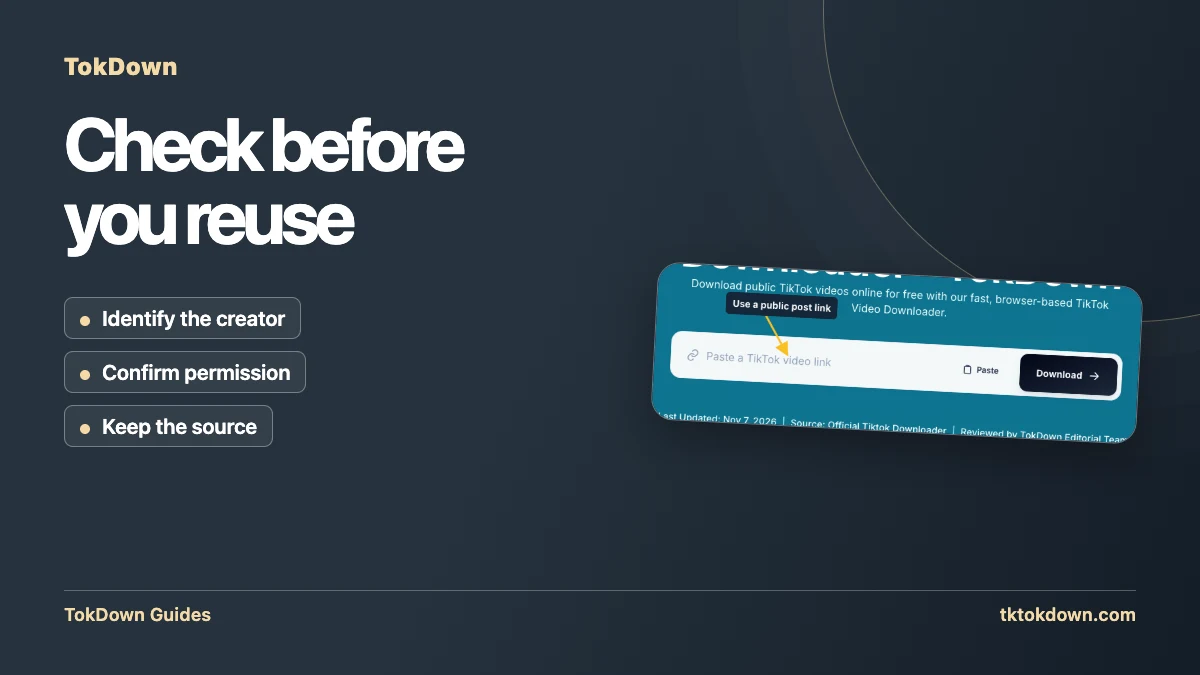
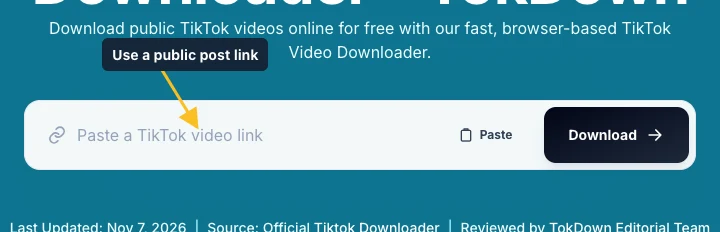
The field in the screenshot takes a public individual TikTok post address. The public link identifies the post and lets the tool look for available files. You still decide whether to use a file and where it can go. If you cannot view a post publicly, use a copy provided directly by the creator. A draft, a private post and an expired Story are reasons to ask for an export rather than send your credentials or keep retrying.
When the result shows a preview, check it against your notes. Short videos frequently use the same soundtrack or identical captions. Compare the uploader and what is visible in the clip. Save the appropriate version, then keep both the source and permission details next to the file. If branding or the name is part of the picture, preserve the context for anyone who uses it later. A source link also provides a way to recover the caption and posting information.
Apply the same review before handing off a file
Suppose you are preparing an edit from three clips. One is your own camera footage, one is supplied by a teammate, and one links to a creator you do not know. Keep a note for each. For your footage, use the original export if you still have it. Confirm the teammate’s intended scope for the second. For the third, request permission or substitute material with documented terms. The practical question is what you can document for each part of the finished edit.
Before you share the project, check whether your notes cover the planned audience, the platform and any audio included. Transfer the source references or credits with the project file. When the rights situation is unclear and the use is important, get advice for the particular facts and jurisdiction. This guide provides a way to track what you know, so you can identify the open questions before publishing or delivering the clip.
Quick answers
Can I get in trouble for downloading?
The download itself is rarely the issue. Re-uploading or selling other people's work is where problems start.
How do I ask a creator for permission?
Message them on TikTok with the clip you want to use and what for, and keep their answer in writing.